
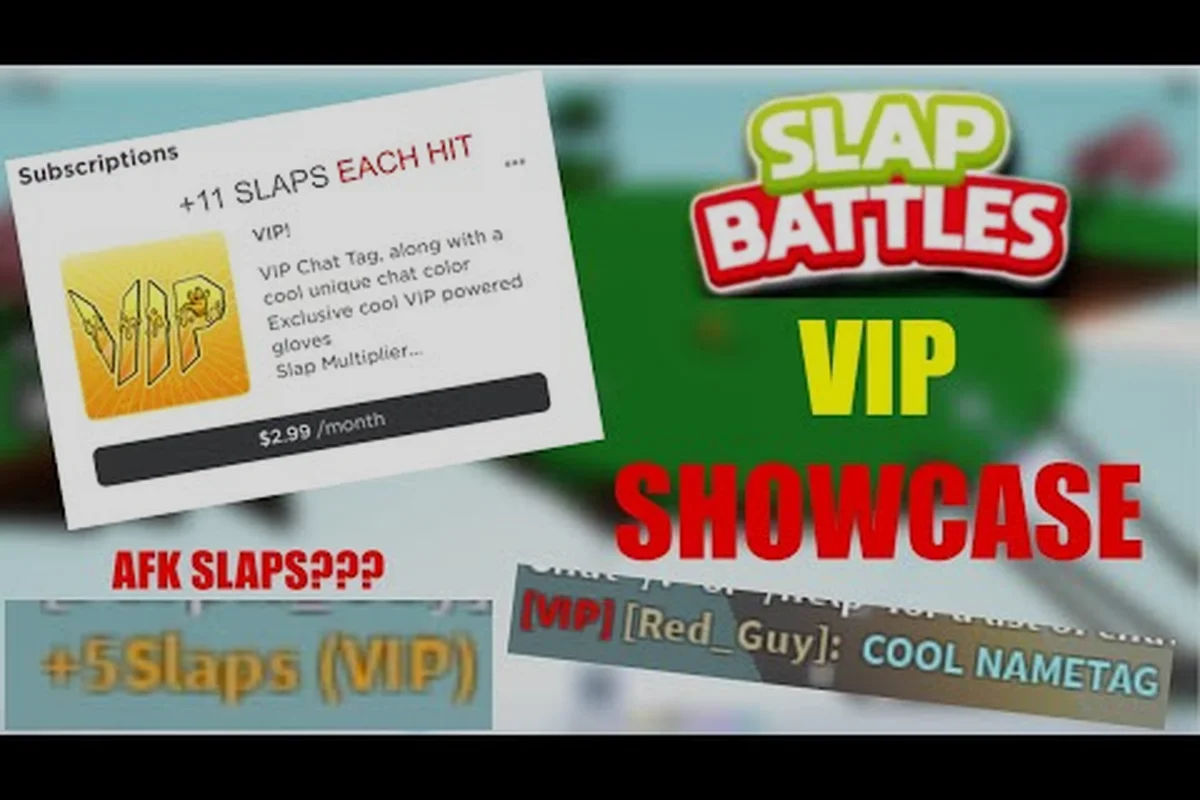
A Slap Battles VIP server gives you a private lobby where only invited players can join, which changes how you farm slaps, test gloves, and avoid chaotic public matches. Before you spend Robux, it helps to understand what the private server actually does and where it stops being useful.
What a Slap Battles VIP Server Actually Does
A Slap Battles private server is a rented instance of the game that only people you invite can enter. Roblox handles the hosting, so you never run the game on your own machine. The server stays online as long as your subscription is active, and it resets when the rental period ends.
| Rental feature | What it actually controls | Gameplay impact |
|---|---|---|
| Private instance | Only invited players can join via the server link | Randoms cannot interrupt a slap-farming session |
| Persistent lobby | Server stays online while the Robux subscription is active | Session progress continues between play sessions |
| Fixed join code | Same server is reachable through one shared invite link | Friends rejoin the same lobby without a new invite |
| Configurable player cap | Owner sets how many players can occupy the server | Controls whether a match stays a 1v1 or becomes a full lobby |
| Owner moderation | Kick and regenerate tools from the Roblox menu | Removes disruptive players or resets a stale session |
| Recurring billing | Charged as a recurring Robux subscription, not one-time | Cost repeats each rental period rather than a single purchase |
| Glove stats | Unchanged by the rental | A Default glove swing deals identical knockback to public servers |
| Badge progress | Unchanged by the rental | Overkill and Error still require the same in-game conditions |
The key point is that a VIP server does not unlock anything by itself. It is a social and farming tool, not a content gate. Every glove, badge, and gamepass item still follows the same unlock rules as the public game.
Here is what the rental actually covers: a persistent private instance with a fixed join code, configurable player cap, and owner-side moderation tools, billed on a recurring Robux subscription rather than a one-time purchase. In practice, that means you control who enters by sharing the invite link, and you can kick or regenerate the server from the Roblox menu when a session goes stale. Crucially, the rental changes nothing about glove stats, slap power, or reward rates — a Default glove swing deals the same knockback in your VIP server as it does in a public lobby, and badge progress for gloves like Overkill or Error still requires the same in-game conditions.
-
Private access control — only players you invite can join, so randoms cannot interrupt a session
-
Persistent lobby — the server keeps running between sessions while the subscription lasts
-
No gameplay buffs — slaps, glove cooldowns, and rewards behave exactly like public servers
-
Owner controls — you can kick players and regenerate the server from the Roblox menu
According to community reports, most players buy a private server for one of two reasons: farming slaps without interference, or running private matches with friends. Neither reason requires a gamepass, which is why the VIP server and the Robux shop are often confused with each other.
VIP Server vs Public Server
The table below summarizes the practical differences players notice most, but the biggest one for farming is join control: a slap battles private server locks entry to invited players only, so you never lose a slap streak to a random player jumping you mid-combo. That matters because glove unlocks follow the same rules in both server types, meaning a slap battles VIP server doesn't speed up progression directly — it removes the chaos that slows it down. If you're chasing slap battles gamepass gloves like the Robux shop items, the predictable environment lets you test timing and combos without interference, which is why players renting a VIP server for Robux treat it as practice space rather than a shortcut past the slap battles pay to win debate.
| Feature | Public Server | VIP Server |
|---|---|---|
| Who can join | Anyone | Invited players only |
| Farming slaps | Contested, chaotic | Controlled, predictable |
| Glove unlocks | Same rules | Same rules |
| Cost | Free | Robux rental |
| Best for | Random PvP | Practice and private matches |
What It Does Not Change
A common misconception is that a private server makes you stronger. It does not. Glove stats, slap power, and ability cooldowns are identical across every server type. If you want stronger tools, you need to unlock gloves through badges or buy them from the Robux shop — the server type is irrelevant to that progression.
Slap Battles Gamepass Gloves and Robux Shop Items
The Robux shop is where real spending happens, and it is separate from the VIP server rental. Slap Battles gamepass items are permanent unlocks tied to your account, so they carry into public servers, private servers, and any future mode.
Players often ask whether the game is pay to win. The honest answer is that gamepass gloves are strong but not unbeatable, and most of them have clear counterplay. Community tier discussions usually place them in the upper-middle range rather than at the very top.
Below is a quick reference for the main gamepass gloves and what they tend to offer. Overkill leans on high burst damage for aggressive slapping, while God's Hand trades raw power for long-range zoning and control. Error plays as a disruptive pick built around chaos and area denial, Kinetic scales its power through momentum-based play, and Extended wins through reach advantage in spacing and poking. Because each glove has distinct counterplay, none of them guarantees a win in a slap battles private server, which is why community tier lists still rank most of them upper-middle rather than top-tier.
| Gamepass Glove | Typical Strength | Playstyle |
|---|---|---|
| Overkill | High burst | Aggressive slapping |
| God's Hand | Long range | Zoning and control |
| Error | Disruptive | Chaos and area denial |
| Kinetic | Scaling power | Momentum-based |
| Extended | Reach advantage | Spacing and poking |
Why Players Buy Gamepass Gloves
The appeal is consistency. Badge gloves require specific achievements that can take hours of grinding, while gamepass gloves unlock instantly. For players with limited playtime, that trade is often worth it. You can compare the full breakdown of paid versus earned options in this gamepass glove comparison, which ranks the six main gamepass gloves against badge alternatives.
Free Alternatives Worth Trying First
Before buying anything, it is worth checking which gloves you can earn for free. Some badge gloves rival gamepass options in specific situations, and a few are genuinely underrated. The underrated gloves breakdown covers beginner-friendly picks that cost nothing but time.
How to Set Up a Slap Battles Private Server
Creating a slap battles private server costs Robux, with the standard rate running 50 Robux for a single day, 100 Robux for three days, and 300 Robux for a full month — pricing that scales far cheaper per day the longer you rent, so a 30-day server breaks down to roughly 10 Robux daily versus 50 for a one-off session. Your Roblox account only needs enough Robux balance to cover the rental; there is no Premium subscription or minimum level gate blocking the purchase. The flow is identical across platforms: the Roblox client on PC, the mobile app, and the console version all expose the same Private Server button on the Slap Battles game page, so the invite link you generate works regardless of what device your friends play on.
-
Open the Slap Battles game page on Roblox and scroll to the server section.
-
Click the Private Server button and choose the rental duration.
-
Confirm the Robux purchase through the Roblox checkout prompt.
-
Once created, open the server and copy the invite link.
-
Share the link with friends so they can join your lobby.
Managing Invites and Access
Only the server owner can invite players, and you can remove anyone at any time from the Roblox server settings. If a session gets stale, regenerate the server to reset the map and player list. Keep in mind that the rental auto-renews unless you cancel it, so check your subscriptions if you only needed a short-term lobby.
Cost and Renewal Basics
Roblox private servers for Slap Battles follow the standard rental model, with pricing set by the developer and charged monthly. The exact price can change, so check the current listing on the game page before committing. If you cancel, the server stays active until the paid period ends.
Should You Pay Robux for a VIP Server?
The honest answer depends on how you actually play Slap Battles. The VIP server costs Robux but grants zero gameplay advantage — no exclusive gloves, no extra slap power, no shortcut past the Slap Battles gamepass gloves grind. What you're really buying is control over your lobby: the ability to toggle private matches, remove random players, and set your own rules. For anyone chasing Slap Battles gamepass items or testing glove combos, that control has real value; for players who mostly queue public matches, it's purely optional.
Consider these scenarios: a solo grinder running a slap battles private server can farm slaps uninterrupted, since no rival player is stealing knockbacks or crowding the arena, which shortens the time needed to unlock slap battles gamepass gloves; a friend group can host custom matches with agreed-upon glove restrictions, turning the slap battles vip server into a self-contained ruleset; and a content creator can record clean footage for glove-combo tutorials without random players wandering into frame. None of these require buying anything from the slap battles robux shop beyond the server rental itself, which is why the value sits in lobby control rather than pay-to-win perks.
-
Solo farmers — a private server removes competition for slap farming, which speeds up passive progression
-
Friend groups — private matches let you run custom rules without strangers interfering
-
Content creators — clean lobbies make recording and testing far easier
-
Casual players — if you mostly play public matches, the rental adds little
When to Skip It
If your main goal is unlocking gloves, the VIP server will not help directly. You still need to earn badges or buy gamepass items. In that case, spending Robux on a glove you actually want is a more direct use of your budget. The VIP glove Robux guide walks through how paid glove unlocks work and what to expect from refunds and updates.
Budgeting Your Robux
A simple way to decide is to rank your goals. If farming speed matters most, the private server wins. If raw combat power matters most, a gamepass glove wins. Most players eventually buy both, but starting with the one that matches your immediate goal avoids wasted spending.
Common Mistakes and Practical Tips
New buyers tend to make the same handful of errors, and most of them are easy to avoid once you know what to expect. The biggest misconception is treating a slap battles vip server as a power-up: it only changes who shares your lobby, not your glove stats, slap power, or ability cooldowns, so a private server will not make a 1,000-slap grind against a Killstreak user any easier. The second trap is Robux spending — players often buy slap battles gamepass gloves like the 1,000-Robux Default-tier upgrades before testing whether a free badge glove such as Plague or Reaper already covers their playstyle, then regret the purchase once they realize the private server does not boost those stats either.
-
Expecting stat boosts — the private server changes who you play with, not how strong you are
-
Forgetting to cancel — auto-renewal keeps charging until you cancel in Roblox settings
-
Buying gloves blindly — test gloves in a private lobby before committing Robux
-
Ignoring badge gloves — some free gloves outperform paid ones in niche situations
-
Sharing links publicly — public invite links let strangers into your paid lobby
Testing Before You Buy
A private server is genuinely useful for testing. You can spawn gloves, check cooldowns, and practice combos without pressure. Use that to decide whether a specific gamepass glove fits your playstyle before you spend. It is one of the few ways the rental pays for itself even if you never farm a single slap.
Keeping Costs Reasonable
Set a monthly Robux budget and treat it as a hard ceiling, because the two recurring drains in Slap Battles stack fast: a slap battles vip server runs roughly 50–100 Robux per month depending on whether you buy the private server outright, while a single slap battles gamepass gloves unlock such as the premium-tier options can cost several hundred Robux one time. The trap is buying gloves reactively every time a new meta glove dominates the arena — that habit is what turns a modest slap battles robux shop visit into genuine slap battles pay to win spending. Instead, rank your needs: if you mainly play solo or with a fixed friend group, the slap battles private server is the higher-value first buy since it removes random lobby interference entirely; if you grind public lobbies and keep losing slap-offs to specific gloves, put that same budget toward the one slap battles gamepass items unlock that directly counters your worst matchup. Revisit the rest only after the first purchase has actually changed your win rate.
Frequently Asked Questions
Does a Slap Battles VIP server give you free gloves?
No. A private server only controls who can join your lobby. Gloves still unlock through badges or Robux purchases, and the server type has no effect on unlock requirements. If you want a specific glove, you either earn the badge or buy it from the shop.
Is Slap Battles pay to win?
It is partially pay to win, but not overwhelmingly so. Gamepass gloves are strong and unlock instantly, yet most have clear counterplay, and several free badge gloves compete well against them. Skill and glove knowledge still decide most matches, especially in public lobbies.
Can I use gamepass gloves in a private server?
Yes. Gamepass items are tied to your account, so they work in every server type, including private lobbies. You can freely test any glove you own in a VIP server without worrying about losing access or progress when the rental ends.
How much does a Slap Battles private server cost?
Pricing follows the standard Roblox rental model and is set by the developer, charged on a recurring basis. The exact amount can change over time, so check the current listing on the game page before buying. Cancel through Roblox subscriptions if you no longer need it.
Do I need a VIP server to farm slaps efficiently?
Not strictly, but it helps. A private lobby removes competition, so you farm slaps with fewer interruptions and more predictable results. If you play mostly solo and want steady progression, the rental can save meaningful time compared to fighting for space in public servers.
A Slap Battles VIP server is a convenience tool for controlled lobbies, while the Robux shop is where actual power unlocks live. Decide which problem you want to solve first — crowded farming or limited glove access — and spend accordingly. If your bottleneck is slap income, rent the private server: a solo lobby removes kill-steal competition around high-traffic zones and keeps your slap-per-minute rate steady, which matters when chasing badge gloves with steep slap thresholds. If your bottleneck is glove variety instead, skip the rental and put those Robux toward gamepass gloves like the ones that unlock instantly and carry into every server type. Buying both at once is rarely necessary — most players get more value by fixing one constraint, then reassessing after a week of play.